Now trending: Hotel Lobby
One photo in.
Fifteen seconds of trend out.
Pick an effect, upload a photo, and download a 15-second MP4. Most open clips are vertical 9:16, for TikTok, Reels, or Shorts.
- Format and duration shown on each effect
- From 45 credits per video, shown before you render
- Failed or blocked renders refunded automatically
- Credits never expire
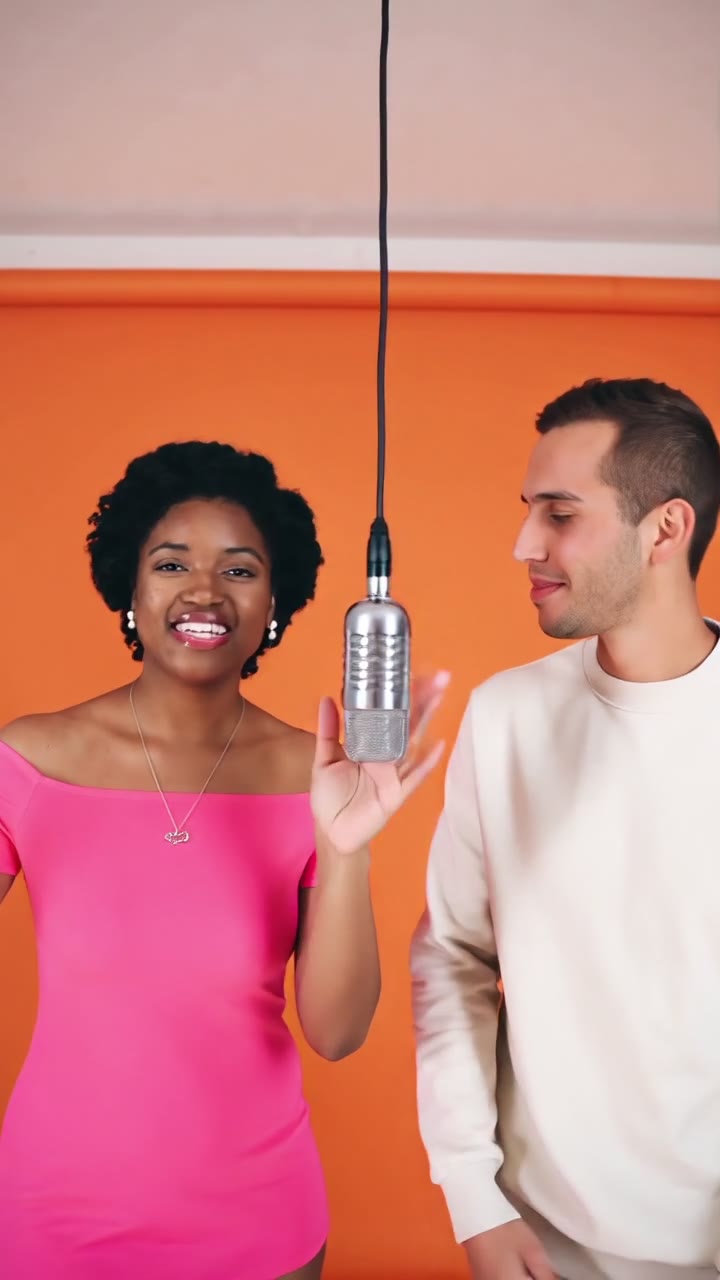 No. 01 · Trending
Hotel Lobby90 credits · 15sMake yours
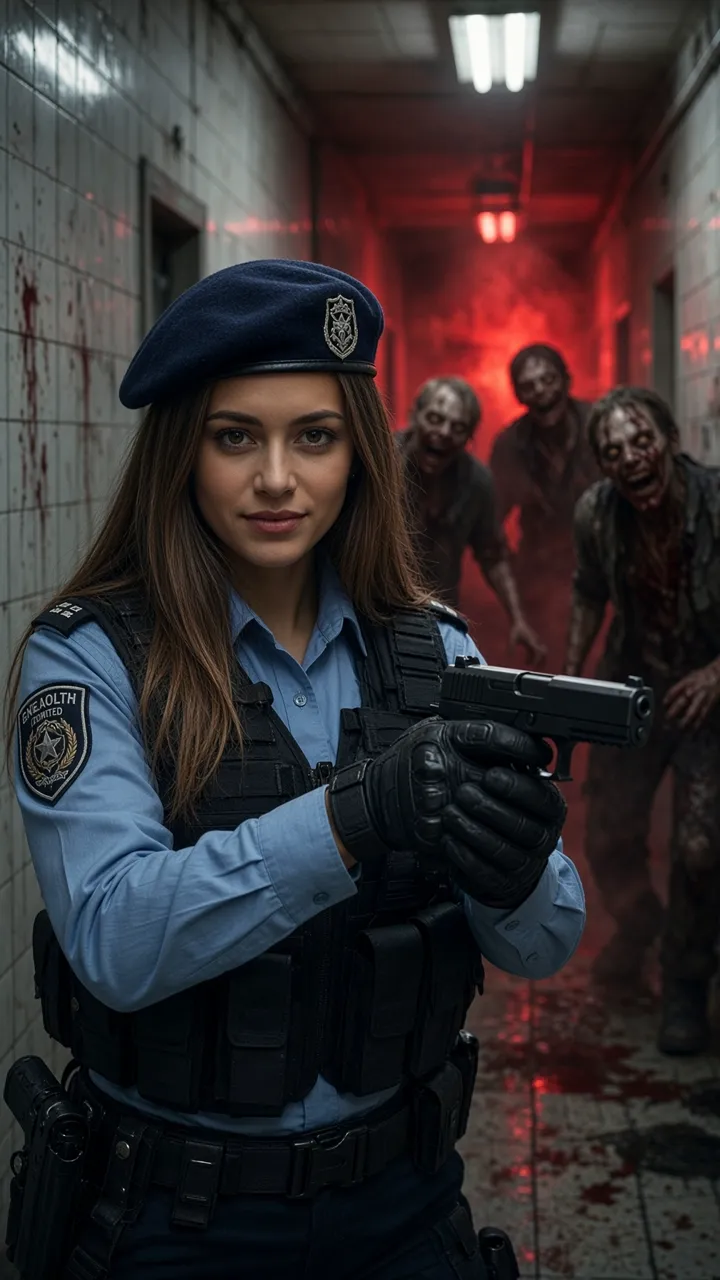

Trending AI video effects
Watch effect previews and see which generators are open. Each card shows its duration and availability.
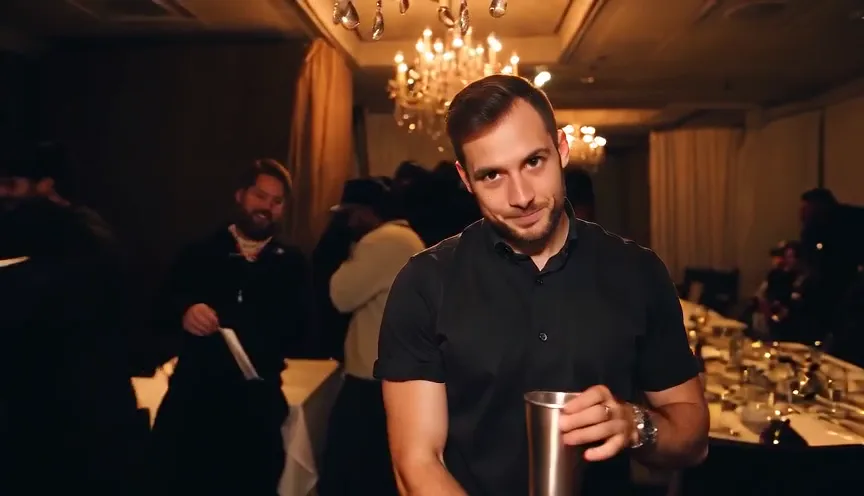
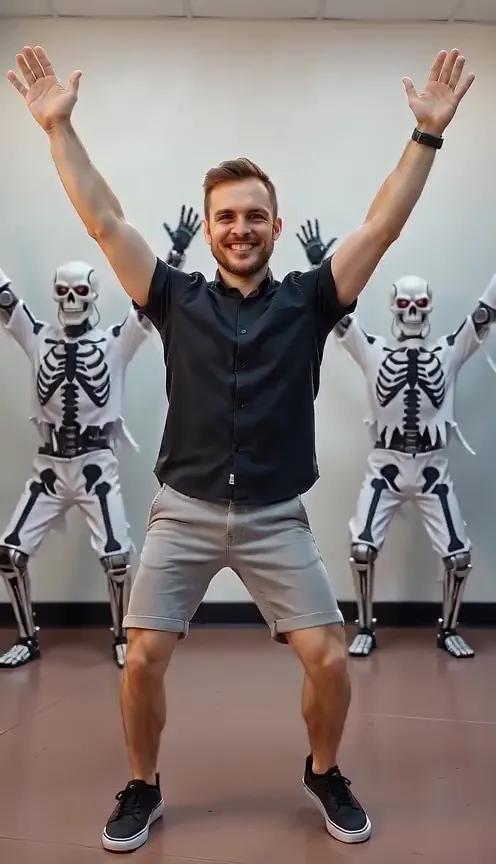

How it works
Three steps.
You pick the effect. The page sets the scene, the length, and the frame.
- 1
Pick an effect
The page shows a sample, whether Generate is open, and the format. Most open clips are a 15-second 9:16 MP4.
- 2
Add your photo
JPG, PNG, or WEBP, up to 10 MB, one face visible. Hotel Lobby takes two photos. Face Swap takes one to three faces plus a reference video. The credit price is on screen before the job starts.
- 3
Download the clip
The render runs on our servers and usually takes a few minutes. You can leave the page. The MP4 lands in your Library. If the job fails, times out, or is moderated, the credits come back.
Where a clip fits
Format, photo count, and credits for the effects that are open to render.
9:16 for TikTok, Reels, and Shorts
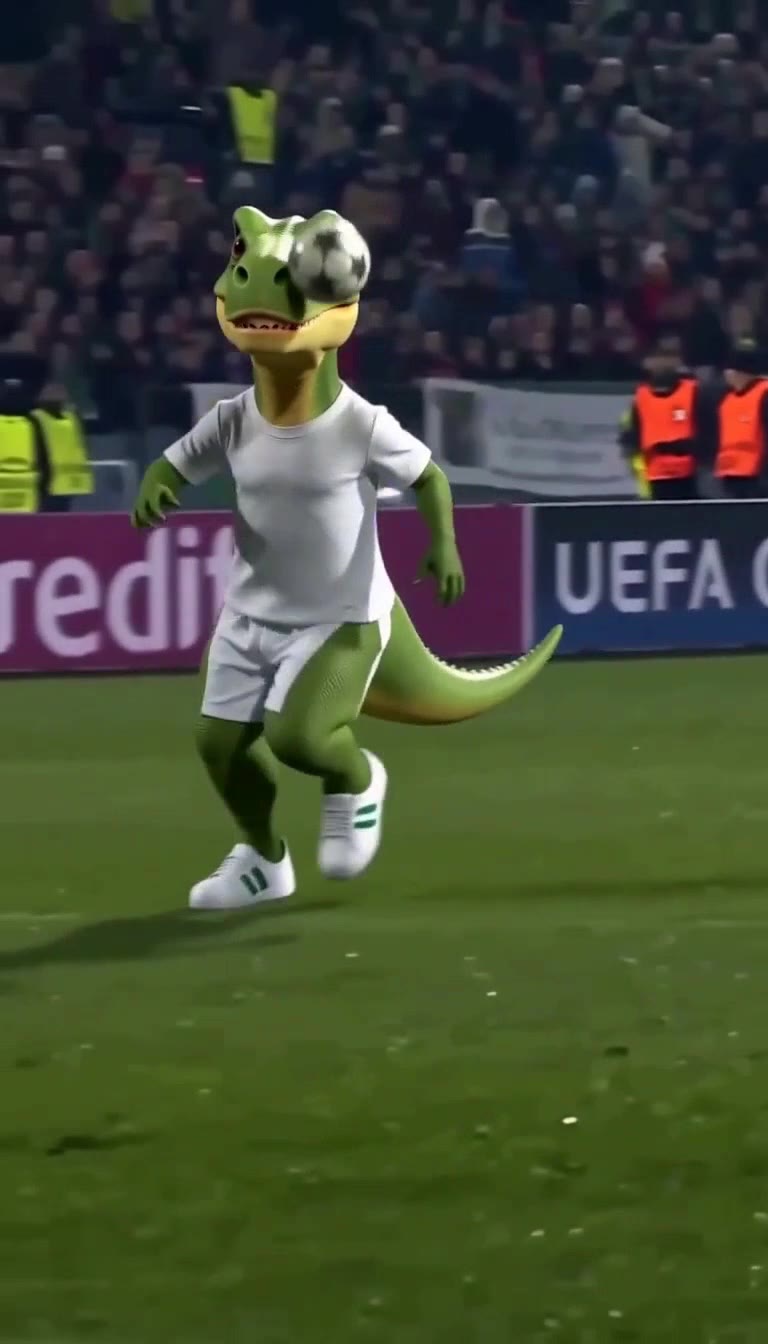
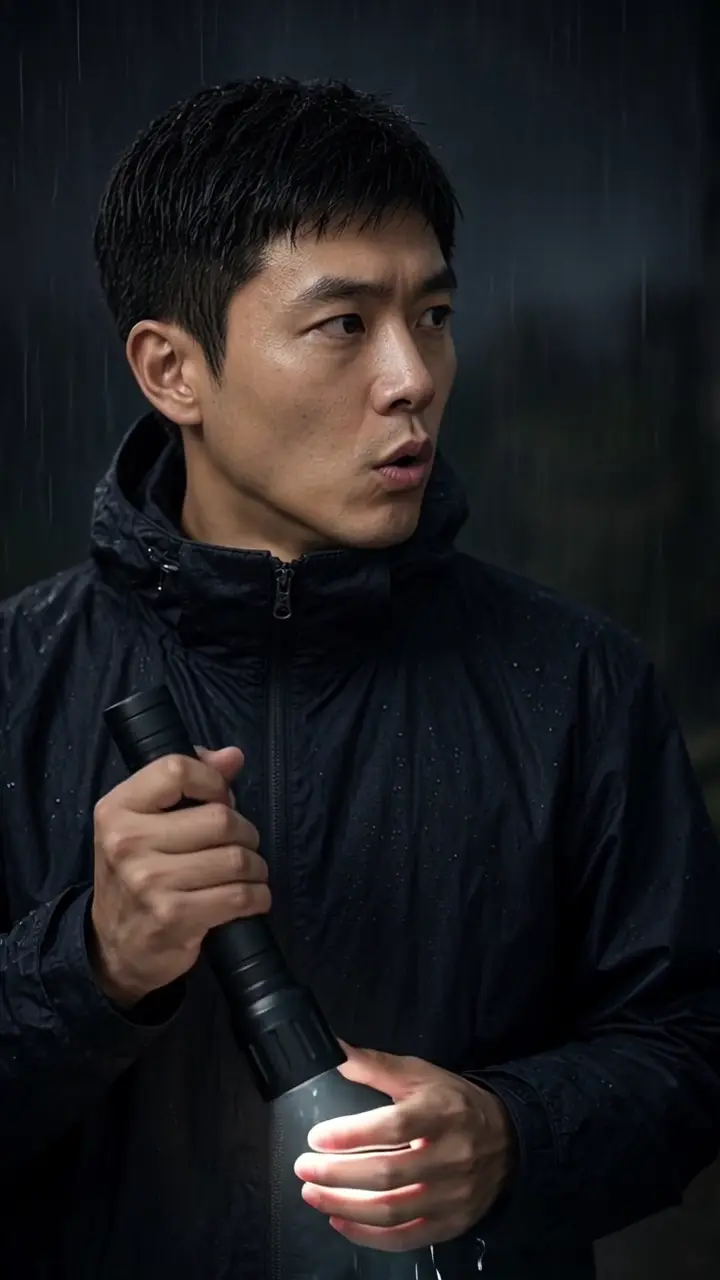
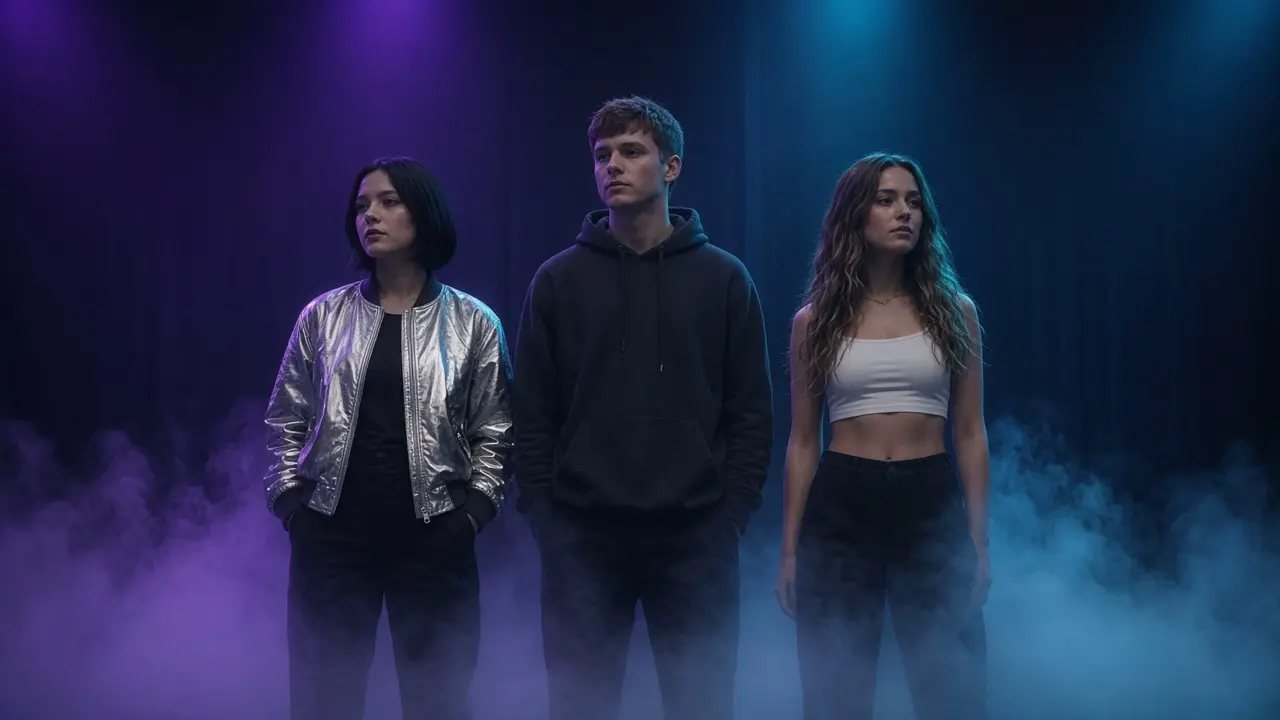
Open effects export an MP4. AI Zombie, Ozil Goal AI, Survival Horror AI, Bulin 47, and Hotel Lobby are 15 seconds at 9:16. Burning Bridges AI is 15 seconds at 16:9, and silent. Thriller Dance follows the template: Skeleton hallway is 9:16, Zombie street is 16:9, and both are silent. Face Swap is priced as 15 seconds at 768P, and the frame follows the reference video. Its published sample is about 6 seconds at 1280×720.
One photo, or two
Ozil Goal AI, Burning Bridges AI, AI Zombie, Thriller Dance, Survival Horror AI, and Bulin 47 each take one photo. Hotel Lobby takes two: photo 1 is the person on the left, photo 2 is the person on the right. Face Swap takes one to three character images and a reference video, MP4, WEBM, or MOV, up to 50 MB. Photo files are JPG, PNG, or WEBP, up to 10 MB. AI Zombie and Thriller Dance also ask you to pick a template.
45 to 150 credits per 15 seconds
A 15-second video on an open effect costs 45 to 150 credits. AI Zombie is 45 credits. Ozil Goal AI, Survival Horror AI, and Thriller Dance are 50 credits. Bulin 47, Burning Bridges AI, and Hotel Lobby are 90 credits. Face Swap is 150 credits. The effect page shows the number before Generate.
Sound is set per effect
AI Zombie, Survival Horror AI, and Ozil Goal AI include sound. Hotel Lobby includes an AI-generated beat, not the original song. Bulin 47, Burning Bridges AI, and Thriller Dance are silent, so you add a track from the app's sound library when you post. The Face Swap sample is an original stage clip, about 6 seconds, with three anonymous performers.
A failed render returns the credits
Credits leave the wallet when the job starts. If the render fails, times out, or is blocked by moderation, they are refunded automatically. You can close the tab. The finished MP4 is saved in your Library.
What stays, what changes
AI output varies. Here is exactly how, using Hotel Lobby as the example.
Stays the same
- Both faces & identities
- Orange set & hanging mic
- Left / right placement
- Vertical 9:16 framing
Changes per render
- Outfits & small details
- Gestures and moves
- Camera drift
Credits
One wallet. Every trend.
Buy a pack once and spend it on any effect. Credits never expire, and failed renders put them back.
See what each pack buys- Starter150 credits$14.99
- Creator300 credits$24.99
- Studio700 credits$49.99
Questions
Short answers. The details live on each effect page and in the refund policy.
What is HiVideoStudio?
HiVideoStudio is a website of photo-to-video effects. One account and one credit wallet cover every effect. Each page shows the format, the length, and the credit cost before you render.
How do credits work?
Each effect shows its credit cost before you generate. Credits are deducted when a job starts and refunded automatically if the job fails, times out, or is blocked by moderation.
Do I need to install anything?
No. You use the site in a browser. The photo uploads, the clip renders on HiVideoStudio's servers, and the MP4 is saved to your Library.
Which effects are available?
Open effects can be generated now, at the credit price on the page. Waitlist effects show a sample or a note and do not start a paid render.
Can I use one account for every tool?
Yes. A single sign-in and a single credit balance work across every effect on HiVideoStudio.