AI Zombie Video Generator
Pick one of three zombie templates and upload one photo. We keep your face, place you in the scene, and animate a 15-second vertical clip with sound. Generate is open: 45 credits per video, refunded if it fails.
Quick answers4 questions
- What does the AI Zombie effect make?
- Pick one of three AI zombie templates, upload one photo and get a 15-second vertical clip with sound. 45 credits, refunded if it fails.
- How much does a AI Zombie video cost?
- 45 credits per 15-second video. Credit packs start at $14.99 for 150 credits and don't expire. If a render fails, the credits go back automatically.
- What do I need to upload?
- One photo of yourself. You pick a template first, then add your photo.
- How long is the video, and how long does it take?
- Every video is 15 seconds, 9:16, saved as an MP4. Rendering usually takes a few minutes.
✓Stays consistent
- Your face and identity
- The template's scene, outfit and camera move
- Vertical 9:16, 15 seconds, with sound
~Varies each render
- Small details of the pose and timing
- Background zombies and lighting flicker
Make your version
45 credits · 15sStep 2Add your photo
We keep your face and put you in the template’s scene. Pose, outfit and setting come from the template. One clear photo of one face, looking at the camera, works best.
Your photo is uploaded only when you press Generate.
Sample output
What to expect
✓Stays consistent
- Your face and identity
- The template's scene, outfit and camera move
- Vertical 9:16, 15 seconds, with sound
~Varies each render
- Small details of the pose and timing
- Background zombies and lighting flicker
AI Zombie samples
Full-length clips with sound. Tap a clip to play.
What the AI zombie video generator does
The AI zombie video generator is built around three ready-made horror scenes. You pick one template and upload one photo. We keep your face and place you into that template's scene, then animate a 15-second vertical 9:16 clip at 720p, with sound. Generate is open. One video costs 45 credits, refunded if it fails.
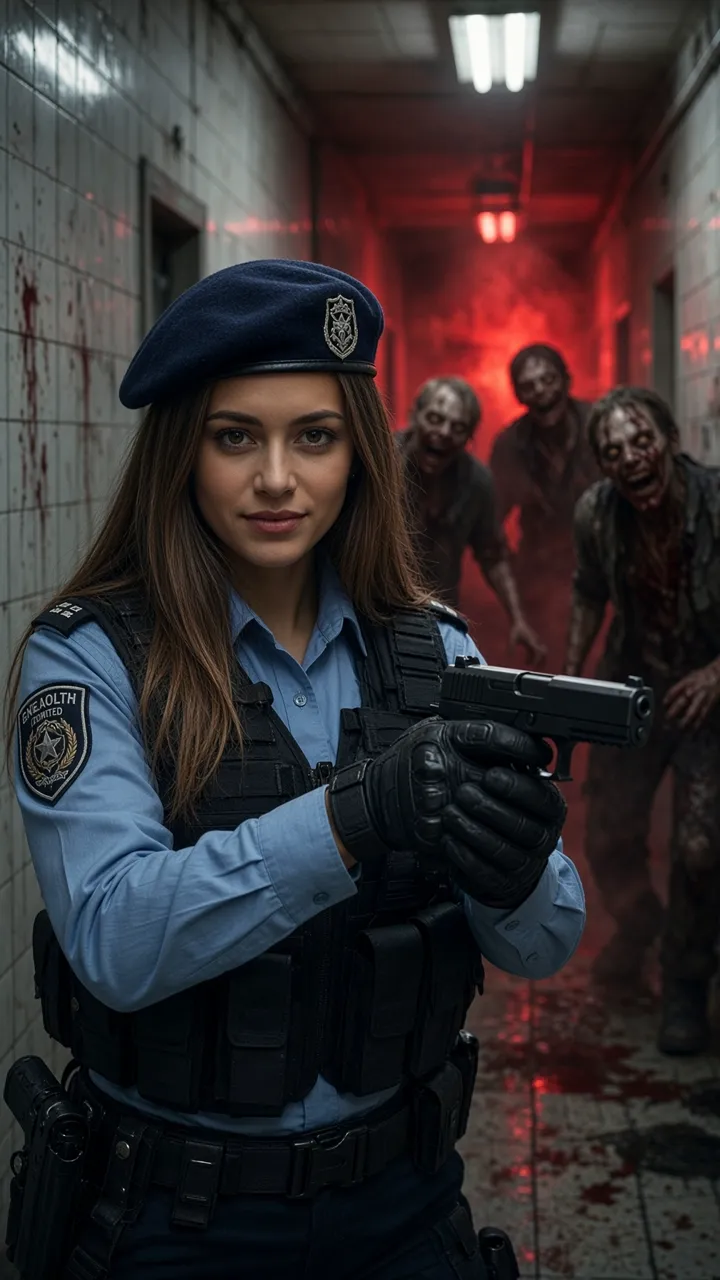
Each template is a different kind of zombie story. Corridor officer puts you in a police uniform with a pistol in a tiled corridor while zombies stagger out of a red haze and the camera orbits around you. Rainy street drops you onto a wet street at night beside a burning car, holding a shotgun as a zombie crowd closes in, filmed in a shaky handheld style. Turning is the slow one: in a candlelit hallway you turn toward the camera as your eyes go milky and dark veins spread, ending in a roaring close-up. The look stays in classic horror-movie territory, with dust, sparks, grime and moody light rather than anything graphic, so clips suit a feed post or a group chat. The template samples include audio, and your finished clip is designed to come with sound too.
Where this clip fits
Format, photos, and credits for this effect.
TikTok, Reels, and Shorts
The render is a 15-second MP4 at 9:16 and 720p, with sound matched to the template. That frame fits TikTok, Reels, and Shorts.
One photo and a template
Pick Corridor officer, Rainy street, or Turning, then upload one photo, JPG, PNG, or WEBP, up to 10 MB. The template sets the scene, the outfit, and the camera.
45 credits
One 15-second video costs 45 credits, shown before you generate. This effect has no free preview. The download is the finished MP4.
If the render fails
Credits are taken when the render starts. If it fails, times out, or is moderated, they are refunded automatically.
How to make a AI Zombie video in 3 steps
- 01
Pick a template
Choose Corridor officer, Rainy street or Turning. Each one sets the scene, outfit, camera movement and sound for your clip.
- 02
Upload one photo
Use a sharp, well-lit photo of one person with the whole face clearly visible. Your face is kept and placed into the template's scene.
- 03
Generate
Generate spends 45 credits and starts a 15-second vertical 9:16 clip at 720p, with sound. If it fails or is moderated, the credits come back automatically.
Which photos work best
Works well
- Use a sharp, well-lit photo
- Keep the whole face visible and facing the camera
- Use a photo with one person only
- Pick the template that fits the mood you want to post
Avoid
- Cover the face with sunglasses, hands, hair or a phone
- Upload group shots or crowded scenes
- Use blurry, dark or heavily filtered images
- Upload photos of people without their consent
How much does it cost? Is it free?
One 15-second video costs 45 credits, shown before you generate. There is no free preview on this effect. Credits are refunded automatically if a render fails or is moderated.
| Option | Credits | Best for |
|---|---|---|
| First-frame preview | Free | Checking your photo (watermarked still) |
| 15s · 720p | 45 | One 15-second template clip |
1 video = 15s. One price per video, no subscription needed. See all packs.
Specs
- Output
- MP4 video with sound
- Aspect ratio
- Vertical 9:16
- Lengths
- 15 seconds (1 video = 15s)
- Resolutions
- 720p, vertical 9:16
- Audio
- Included, matched to the chosen template
- Inputs
- 1 template choice plus 1 photo (JPG, PNG or WEBP)
- Max file size
- 10 MB
- Typical time
- A few minutes
- Watermark policy
- There is no free preview. The download is the finished MP4.
Can I post it on TikTok, Reels or Shorts?
- Only upload photos of yourself or of people who have agreed to appear in a zombie clip and be posted.
- Do not upload photos of minors without a parent or guardian's consent.
- AI label: mark the clip as AI-generated using your platform's AI-content label when you post.
- Do not present a clip as real footage, including real police or news footage, do not suggest that any person, brand or production endorses it, and never use it to harass or mislead anyone.
About the zombie video trend
Zombie stories have been a horror and Halloween staple for decades, and short zombie clips are a familiar format on vertical video apps, especially around October. The traditional way to make one takes a lot of work: costumes, face paint, contact lenses, props, a location, lighting and someone to film it. Template-based AI video makes a similar result possible from a single photo by keeping a person's face and placing them into a pre-built scene. People use clips like these to show off a costume idea, cast friends as survivors or zombies one by one, or post a spooky reveal for Halloween. The appeal is seeing yourself inside a scene that looks like it came from a horror film. This page describes the format factually and is not affiliated with any film, series, game or brand.
Background and guides
More for Halloween
- Halloween effects: AI Zombie, Thriller Dance, and Survival Horror AI, with a sample only where the effect publishes one.
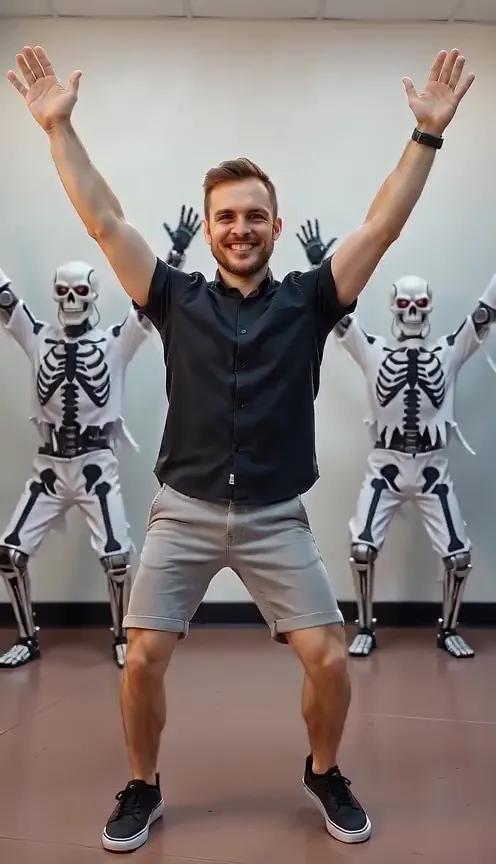
- Thriller Dance: A silent 15-second group dance from one photo. It is not a music video of any named song.
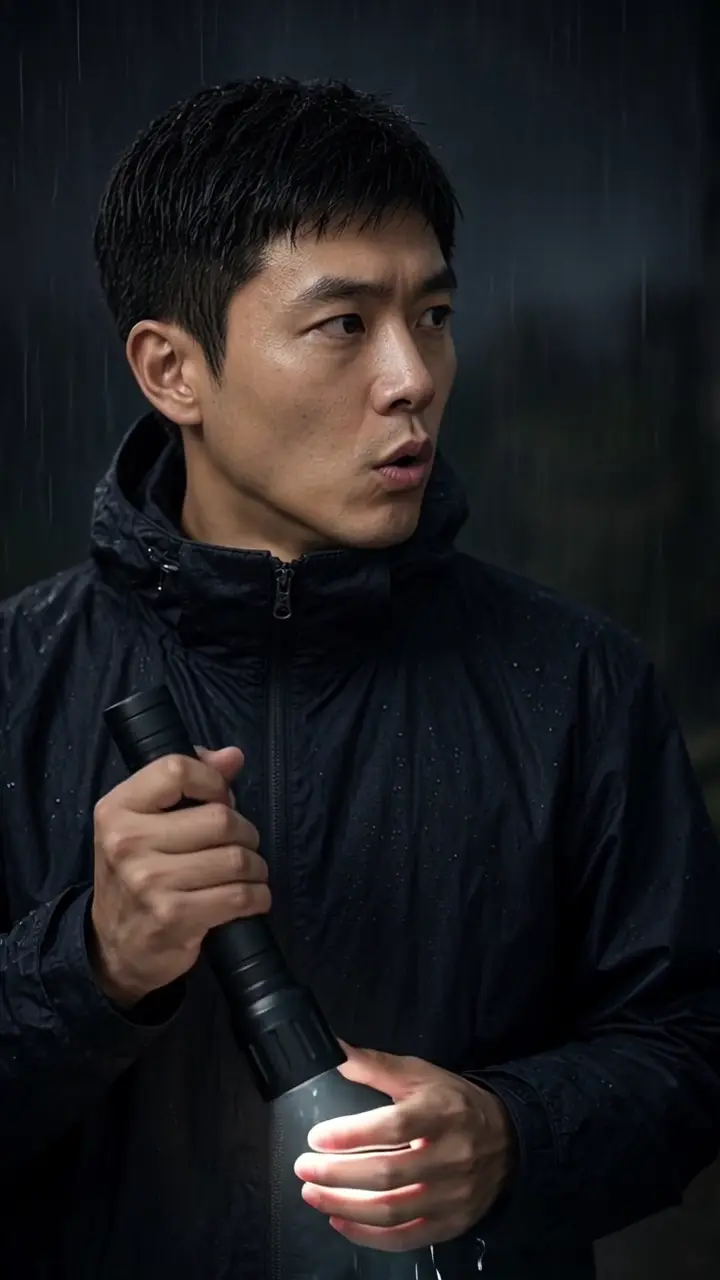
- Survival Horror AI: One photo, a rainy flashlight corridor. The effect page has a 15-second sample with sound.
- Zombie Halloween 2026 guide: Where the movie zombie comes from, and what to post this October.
FAQ
How does the AI zombie effect work?
You pick one of three templates and upload one photo. We keep your face, place you into the template's scene and animate a 15-second vertical clip with sound.
How much does it cost? Is it free?
45 credits per 15-second video. There is no free preview. Failed or moderated renders are refunded automatically.
Does the video have sound?
Yes. The template samples include audio, and clips are designed to come with sound matched to the template you pick.
Is it too scary or graphic?
The templates aim for a horror-movie mood with dust, sparks, grime, haze and candlelight, not graphic content. Turning is the most intense, ending in a roaring close-up.
Can I use a pet photo?
The templates are built around a person's face, so use a clear photo of one person. Pet photos are not what these templates are designed for.
Will it work for TikTok, Reels and Shorts?
Yes. Every clip is planned as a vertical 9:16 video at 720p, which fits TikTok, Reels and Shorts.
Can I do a group photo?
Each template places one person into the scene. For a group, use a separate photo of each friend, make a clip for each one, then edit them together.
When can I generate a video?
Generate is open. Pick a template, upload one photo, and start the render. It costs 45 credits.