Burning Bridges AI Video Generator
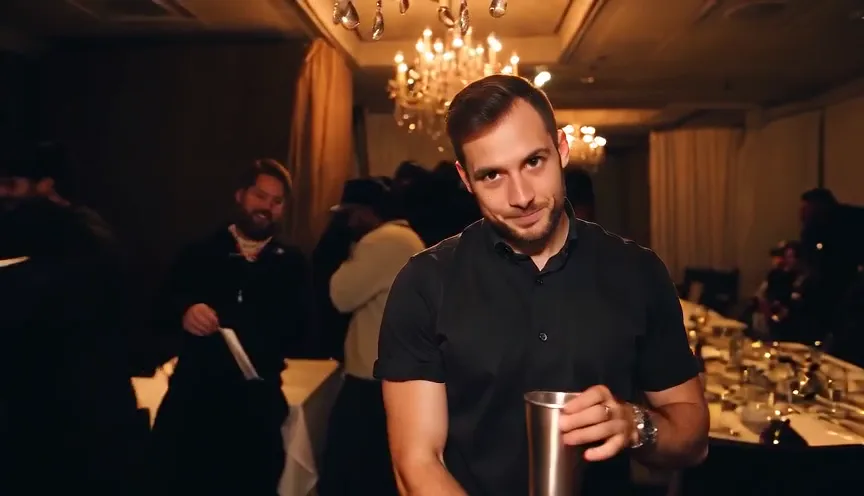
Upload one photo and star in the Burning Bridges party trend: a crystal-chandelier house party, a silver cup in hand, a slow nod and a confident smirk into the handheld camera while the crew celebrates behind you.
Quick answers4 questions
- What does the Burning Bridges effect make?
- Make the Burning Bridges AI trend from one photo: a chandelier house party, a silver cup in hand and a calm, confident look into the camera. 15s, 16:9, silent.
- How much does a Burning Bridges video cost?
- 90 credits per 15-second video. Credit packs start at $14.99 for 150 credits and don't expire. If a render fails, the credits go back automatically.
- What do I need to upload?
- One clear, front-facing photo of yourself. Good light, eyes visible, no sunglasses.
- How long is the video, and how long does it take?
- Every video is 15 seconds, 16:9 landscape, silent, saved as an MP4. Rendering usually takes about 1–3 minutes.
✓Stays consistent
- Your face & identity
- Chandelier party scene & silver cup
- 16:9 landscape, 15 seconds, silent
~Varies each render
- Outfits & small details
- Gestures, crowd and camera drift
Create your video
Upload one clear photo. One person, face visible, good light.
Changes mood & expressions, not faces or the setting.
Sample output
What to expect
✓Stays consistent
- Your face & identity
- Chandelier party scene & silver cup
- 16:9 landscape, 15 seconds, silent
~Varies each render
- Outfits & small details
- Gestures, crowd and camera drift
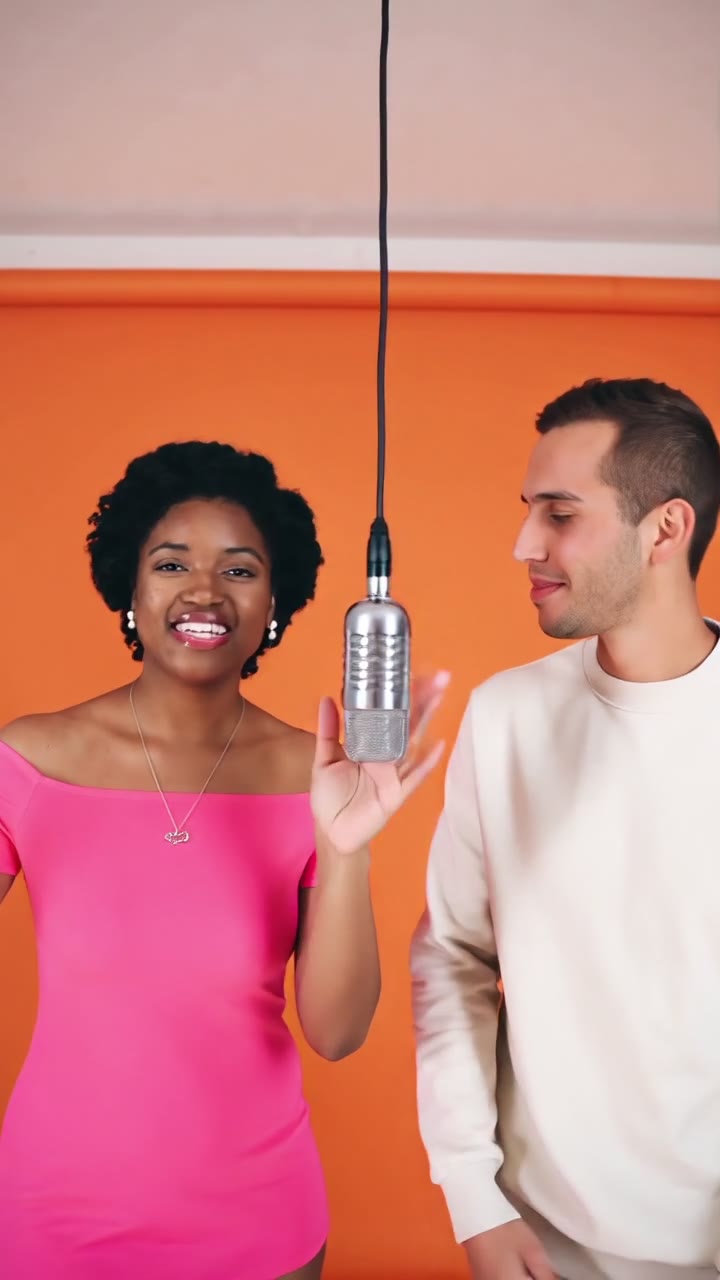
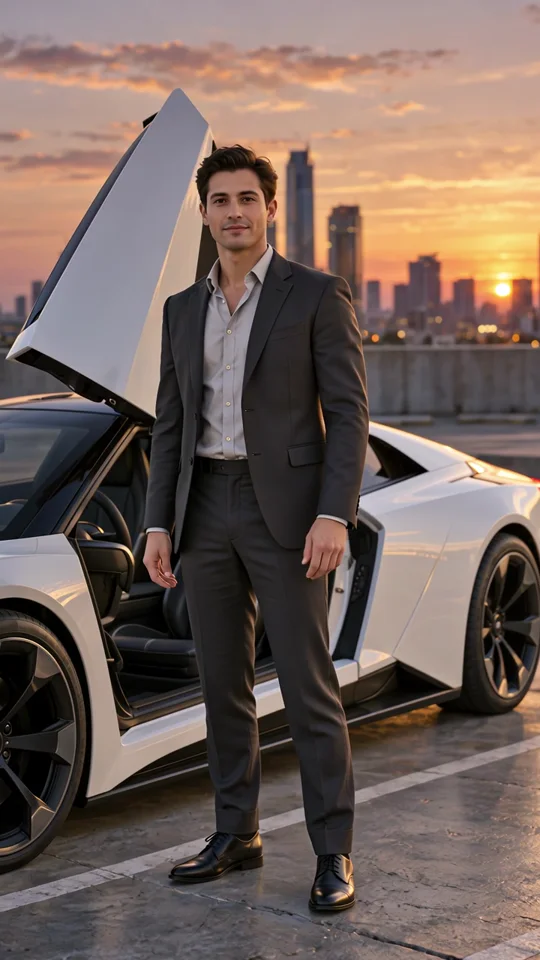
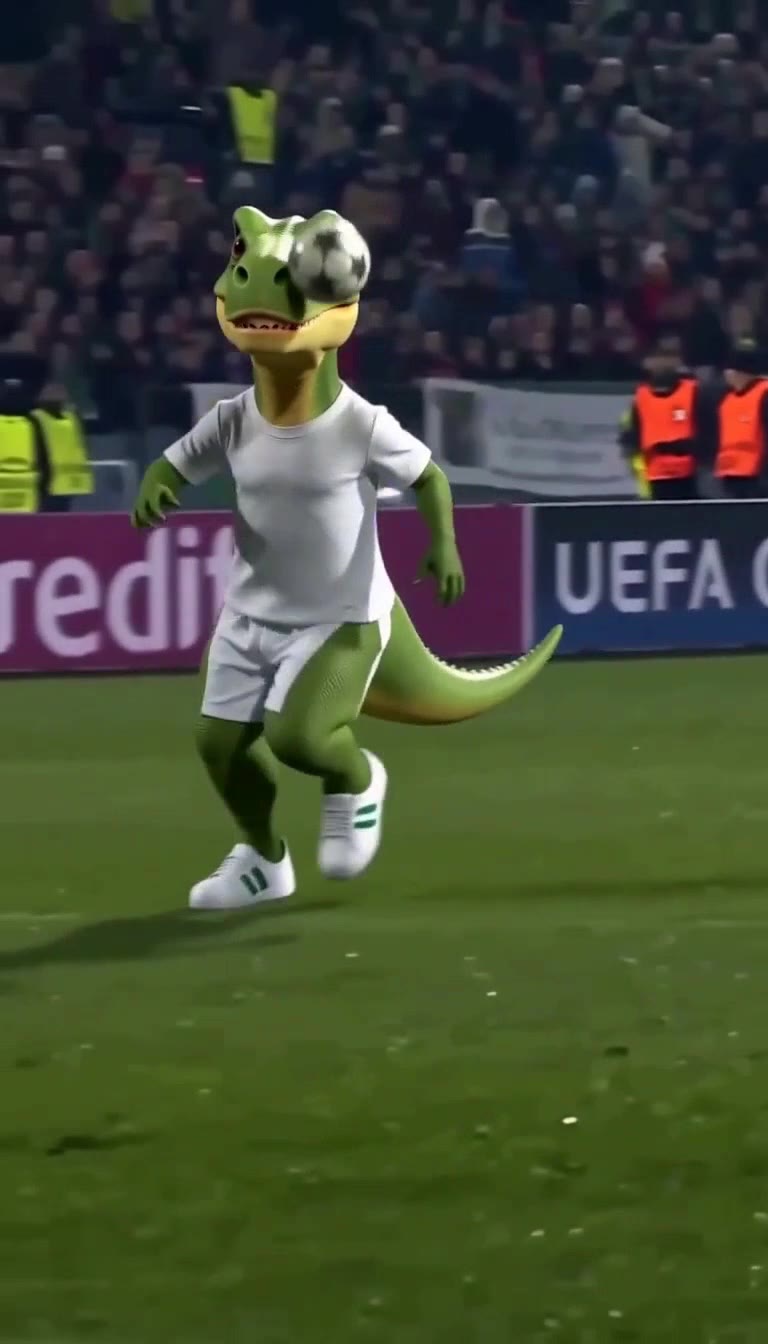
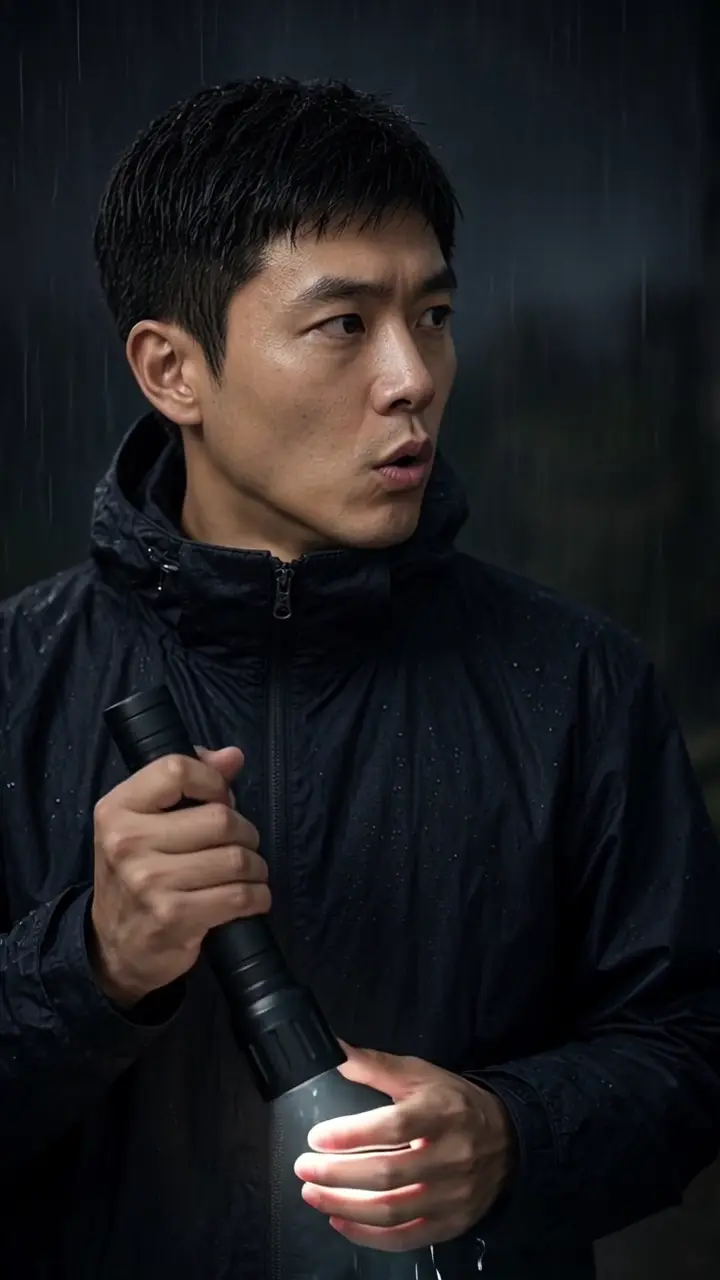
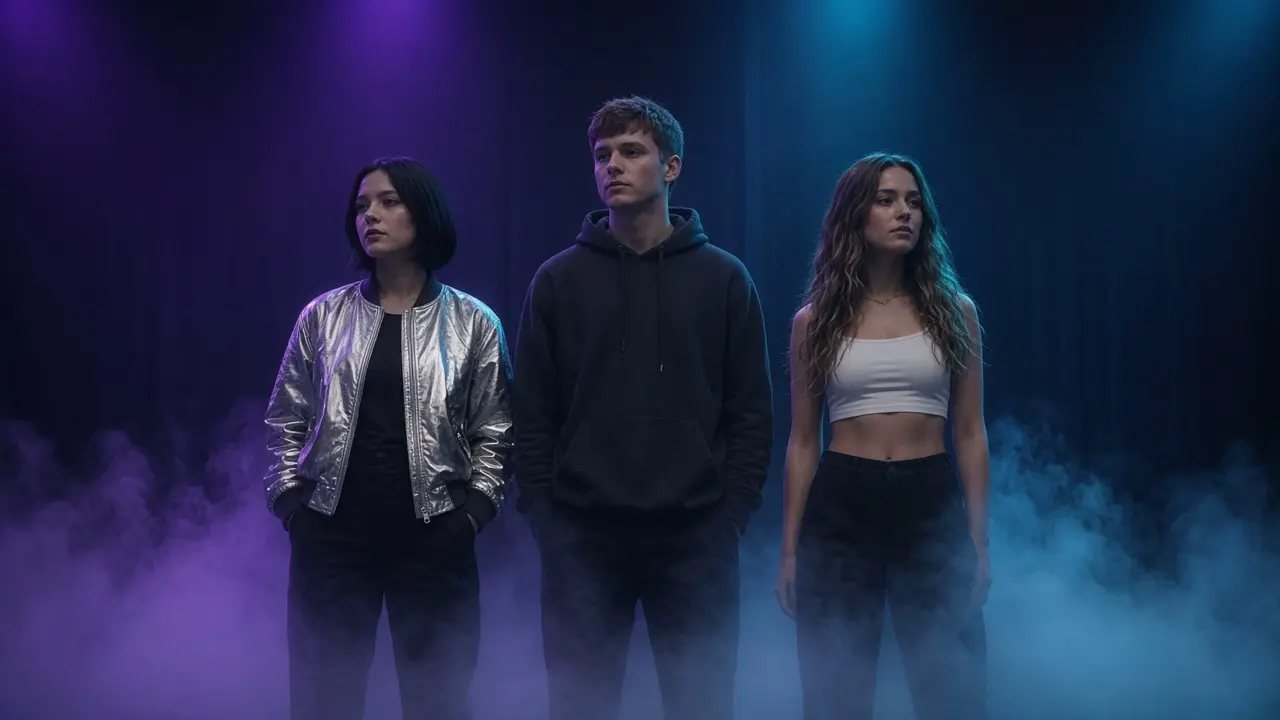
Sample results: photo in, video out
Real renders from this effect. Slots marked PLACEHOLDER are waiting for consented test renders.
Make a Burning Bridges AI video from one photo
Upload one clear photo, and the Burning Bridges AI video generator places that person in a late-night house party under crystal chandeliers. Warm gold light fills the room, friends laugh and talk behind them, and a silver cup sits in their hand. The mood is a calm, confident flex: they hold the cup, sway a little with the crowd, give a slow nod and a smirk straight into the handheld camera.
You get a 15-second 16:9 landscape clip. The video is silent, so you can add your own sound when you post. Before you spend any credits, you can check a free watermarked still of the first frame. Face, hair and skin tone follow your photo closely. Outfits and background guests change a little from render to render.
Where this clip fits
Format, photos, and credits for this effect.
16:9, silent
The render is a 15-second MP4 at 16:9 landscape, with no audio. It is not the 9:16 frame. Add a sound from the platform's library when you post.
One photo
Upload one photo, JPG, PNG, or WEBP, up to 10 MB. One person or pet, face visible. You can add a short note about the outfit, the crowd, or the mood.
90 credits
One 15-second video costs 90 credits, shown before you generate. The first-frame still is free and watermarked.
If the render fails
Credits are taken when the render starts. If it fails or is blocked, they are refunded automatically. The MP4 is saved to your Library.
How to make a Burning Bridges video in 3 steps
- 01
Upload one photo
Add a sharp, front-facing photo of one person or pet with the face fully visible. JPG, PNG or WEBP up to 10 MB. No photo handy? Try one of our sample models.
- 02
Preview and choose a length
Check the free watermarked first-frame still, then generate. Every video is 15 seconds, 16:9 landscape. You can add a short note about the outfit, the crowd or the mood.
- 03
Generate and post
Your clip is usually ready in a few minutes. Download it, add a sound from your platform's licensed library, and turn on the AI-content label when you post.
Which photos work best
Works well
- Use a front-facing photo with even, soft light
- Keep one person or pet in the frame
- Choose a waist-up shot for natural arm and head movement
- Use a sharp, high-resolution image
Avoid
- Sunglasses, hats or hands covering the face
- Group photos or crowded backgrounds
- Blurry, dark or heavily filtered selfies
- Photos of anyone who has not agreed to it
How much does it cost? Is it free?
One 15-second video costs 90 credits. Preview the first frame free and watermarked, then pay only when you generate. Credits are refunded automatically if a render fails.
| Option | Credits | Best for |
|---|---|---|
| First-frame preview | Free | Checking your photo (watermarked still) |
| 15s · 720p | 90 | A silent 15-second 16:9 clip. Add a sound when you post. |
1 video = 15s. One price per video, no subscription needed. See all packs.
Specs
- Output
- MP4 video, original AI generation
- Aspect ratio
- 16:9 landscape
- Lengths
- 15 seconds (1 video = 15s)
- Resolutions
- 16:9 landscape
- Audio
- None, add your own sound when posting
- Inputs
- 1 photo (JPG, PNG or WEBP) plus optional text direction
- Max file size
- 10 MB
- Typical time
- Usually a few minutes
- Watermark policy
- The free first-frame preview is watermarked. Paid renders download as a clean MP4.
Can I post it on TikTok, Reels or Shorts?
- Consent: only upload photos of yourself or of people who have clearly agreed to appear in the video.
- Minors: never upload a photo of a child without a parent or guardian's consent, and do not post clips of minors in party settings.
- AI label: mark the clip as AI-generated using your platform's AI-content label when you post.
- No endorsement: do not caption or present the clip as made by, featuring or approved by the artist, label or any public figure.
About the Burning Bridges trend
In October 2026, creators on TikTok and X started making AI videos that recreate a party scene associated with the song "Burning Bridges". The format is easy to recognize: a house party under crystal chandeliers, a silver cup in hand, a handheld camera, and a confident look straight into the lens while the crew celebrates behind. It spread quickly because almost anyone can be swapped in. People made versions starring friends, coworkers, fictional characters and pets. HiVideoStudio recreates the general format from the photo you upload. It does not use the song, the original video or any celebrity's likeness, and it is not affiliated with or endorsed by the artist or the label.
Background and guides
Related pages
- Burning Bridges trend: The guide uses the same chandelier-party sample as this effect.
FAQ
What is the Burning Bridges AI video generator?
It turns one photo into a 15-second 16:9 party clip. Your subject stands under crystal chandeliers holding a silver cup, sways with the crowd and gives a slow nod and a smirk to the camera.
Is it free?
The first-frame preview is free and watermarked. A full 15-second video costs 90 credits.
Does the video include the song?
No. Clips are silent, and we do not supply the original track. Add your own sound, or one from your platform's licensed music library, when you post.
Is this affiliated with the artist or label?
No. HiVideoStudio is an independent tool. The trend name only describes the format. We do not generate any celebrity's likeness and are not endorsed by the artist or label.
Can I use a photo of my pet?
Yes. Pets work well when the face is sharp, well lit and facing the camera. Movement looks most natural with one animal in a simple, uncluttered photo.
What happens if a render fails?
Credits are deducted when a render starts. If the generation fails or is blocked by moderation, the credits are refunded to your balance automatically.
How long does it take?
A 15-second render usually takes a few minutes. You can leave the page; it saves to your Library.
Why does the outfit or crowd look different each time?
The face and the chandelier party stay consistent, but each render is a new generation. Outfits, guests and small background details vary. Add a short note if you want a specific look.